Ultra Maga Coin Dashboard Guide
Admin Panel
Documentation and explanation of admin side
Dashboard
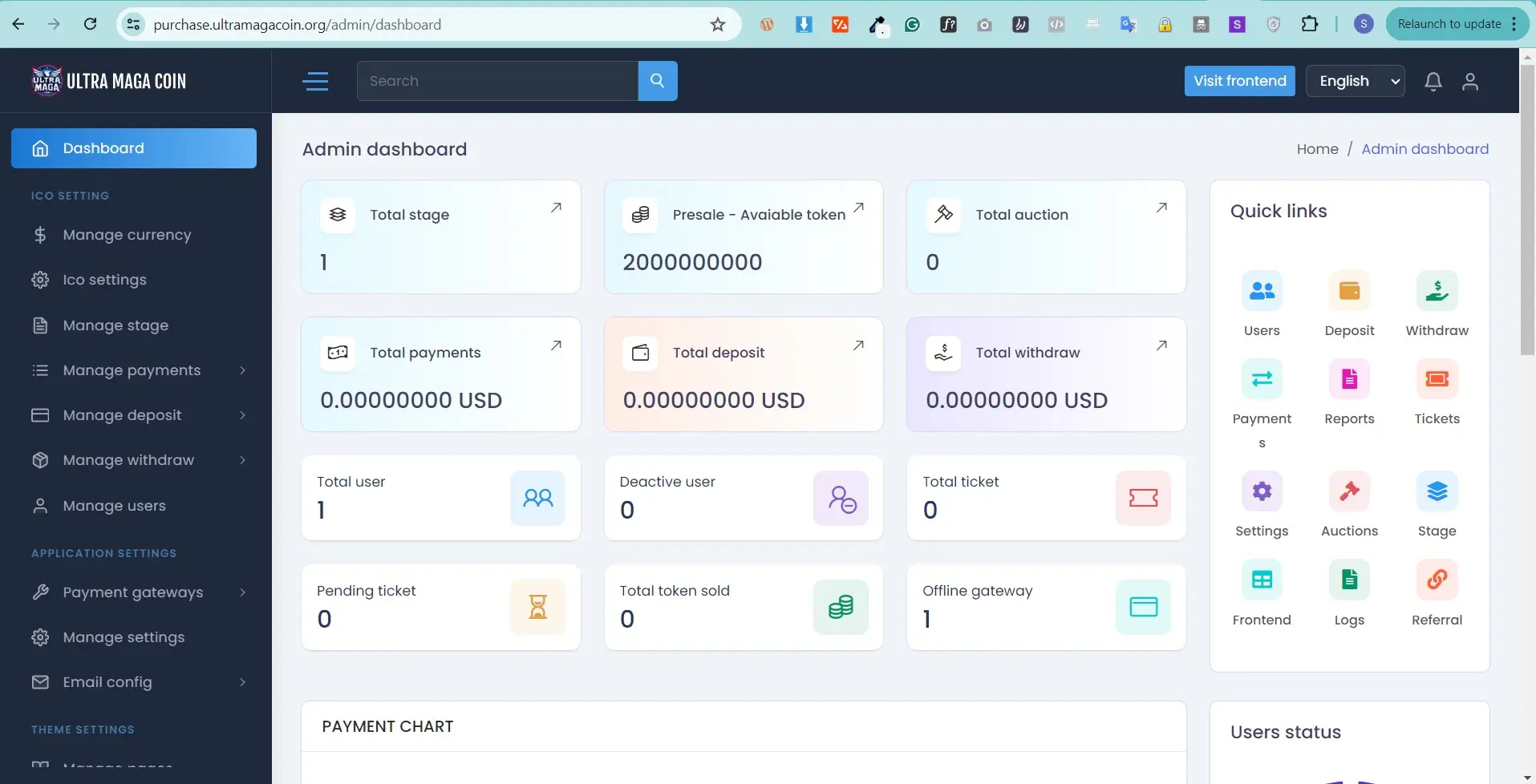
This is various types analytics and at a glance view
Here you can find out the short list Total payments,
Total Stage
Total Auction
Total deposit,
Total withdraw Amount,
Total User,
Total Active User,
Total Deactivated User,
Withdraw Report,
Online Gateways,
Quick Links
Latest all activities
Browser statistics etc..
Manage Currency
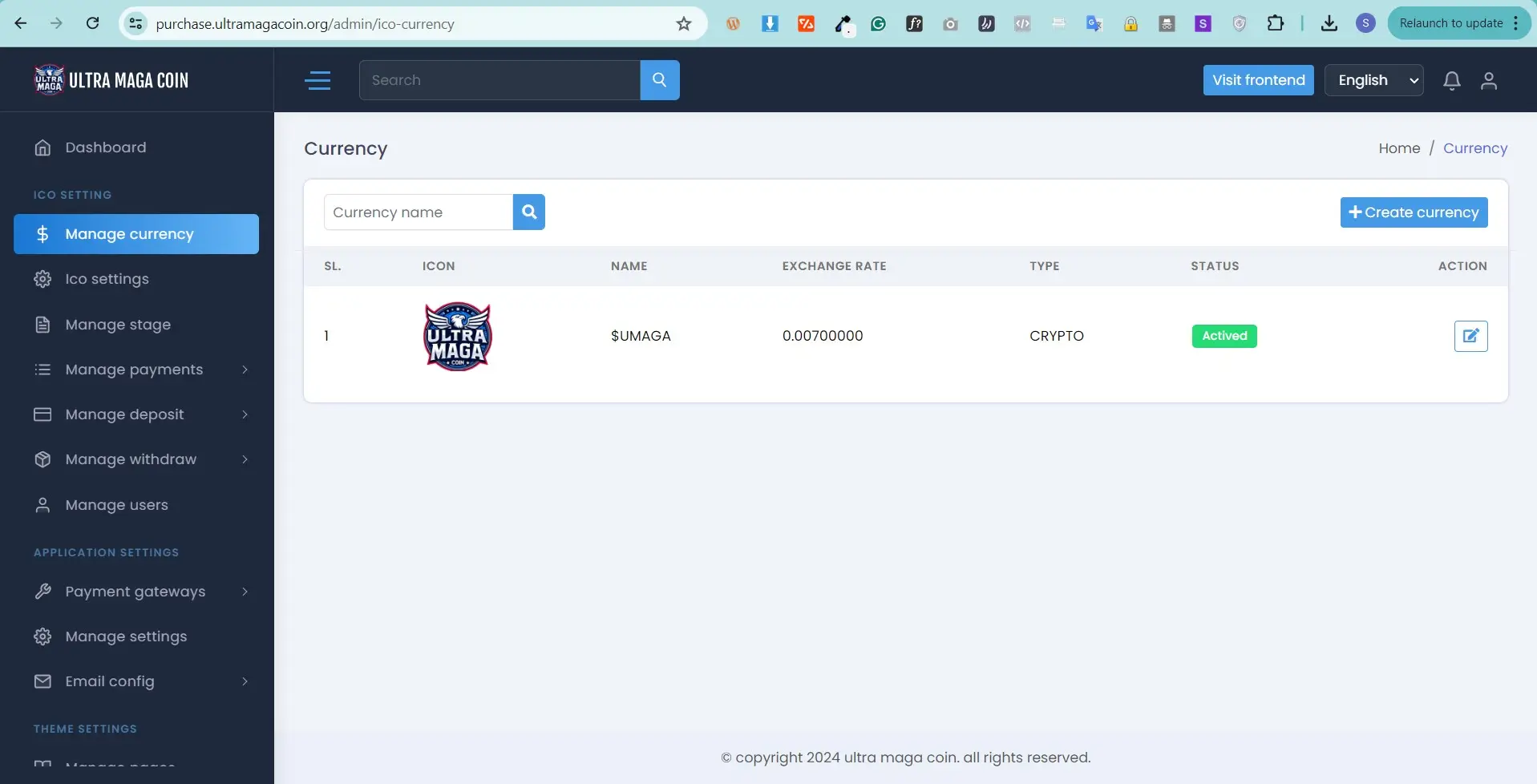
Manage Currency , here you can add multiple currency with their current rate logo , here you will get two types current one is fiat another one crypto . also here you can select desire / sutiable payment gateway according to currency
Example
USD
EURO
BTC
USDT
ETH
Ico settings
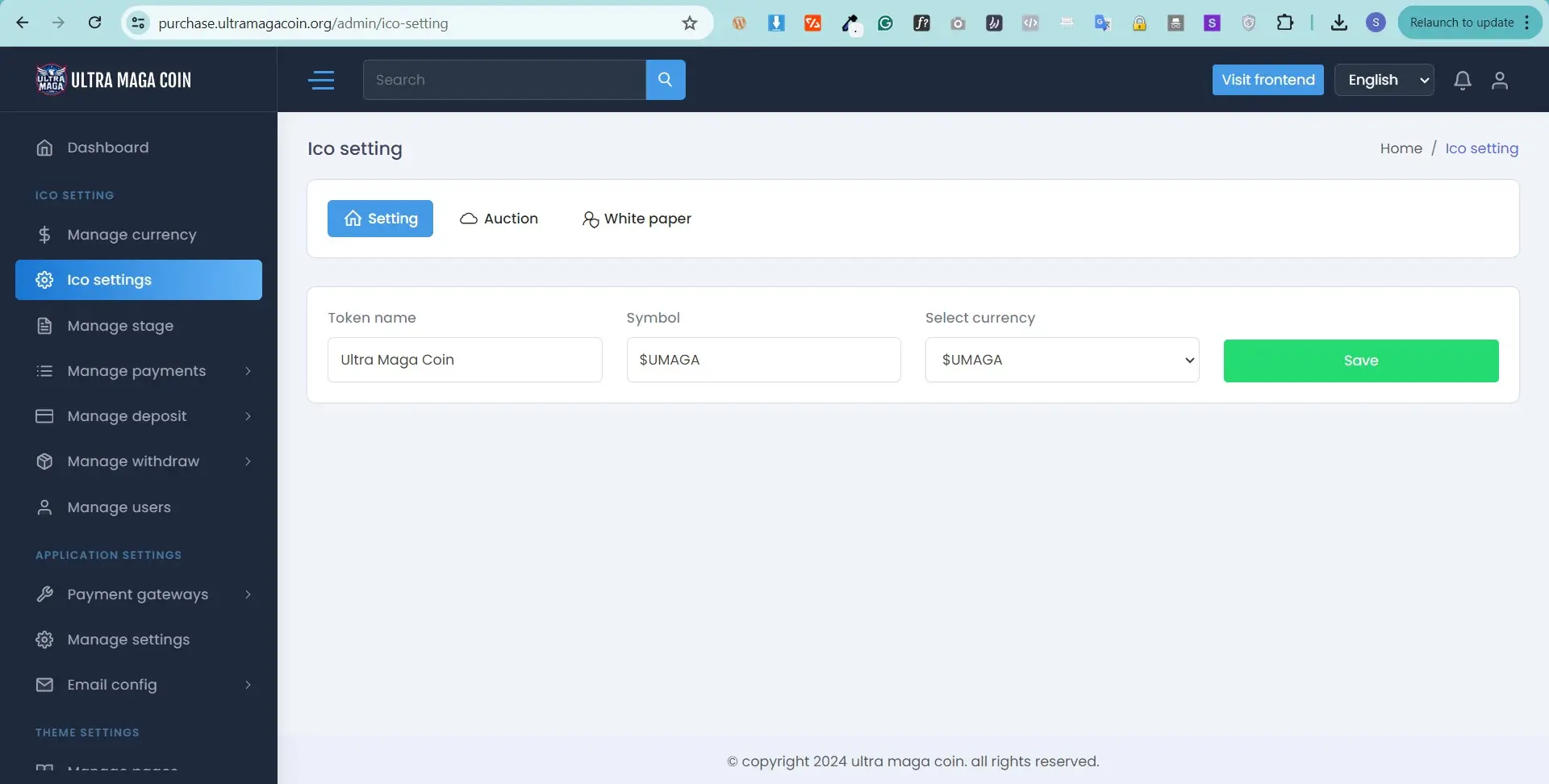
Settings: Here you can add token name , symbol and base currency
Auction: Here you can set buy and refund commission percentage
White paper: White paper pdf you can upload and active from this settings
Manage Stage
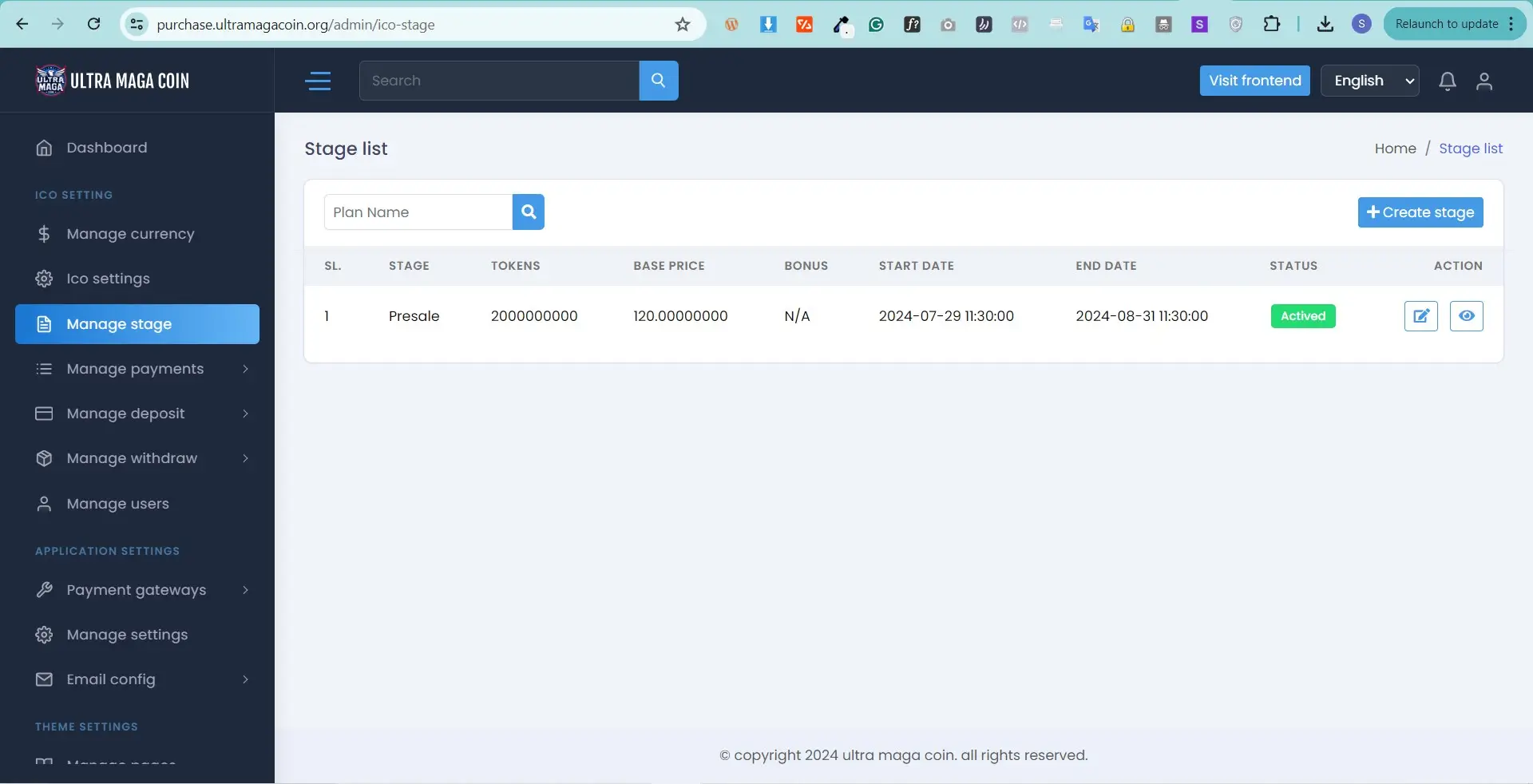
This is the main function for this system , here you can create a stage for token sale.
Stage title : give a name for this stage
Total toke How many token for sale
Token bas base price means initial price
Token Bonu this is optional if you want to give bonus token
Soft cap :Minimum amount users need to buy token
Hard cap :Maximum amount users can buy
Start dateWhen will be start this stage
End date : Stage will be expired
Status : Active or Deactive
Mange Payment
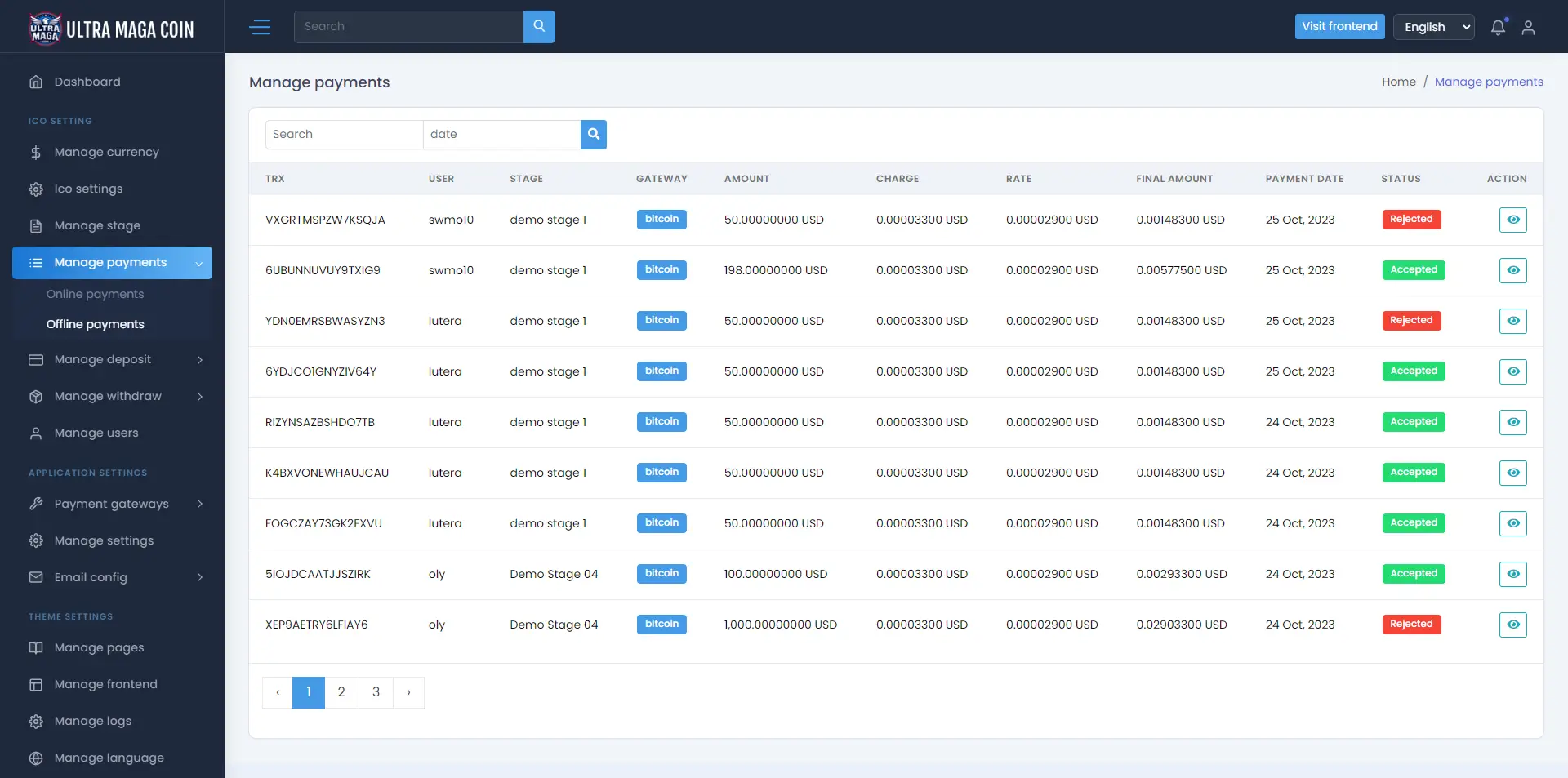
Here you can manage Online and Offline payment using multiple gateway , manual gateway payment you can approve and reject too. Also can see payment amount , charge , date , Trasaction id , stage name
Mange Deposit
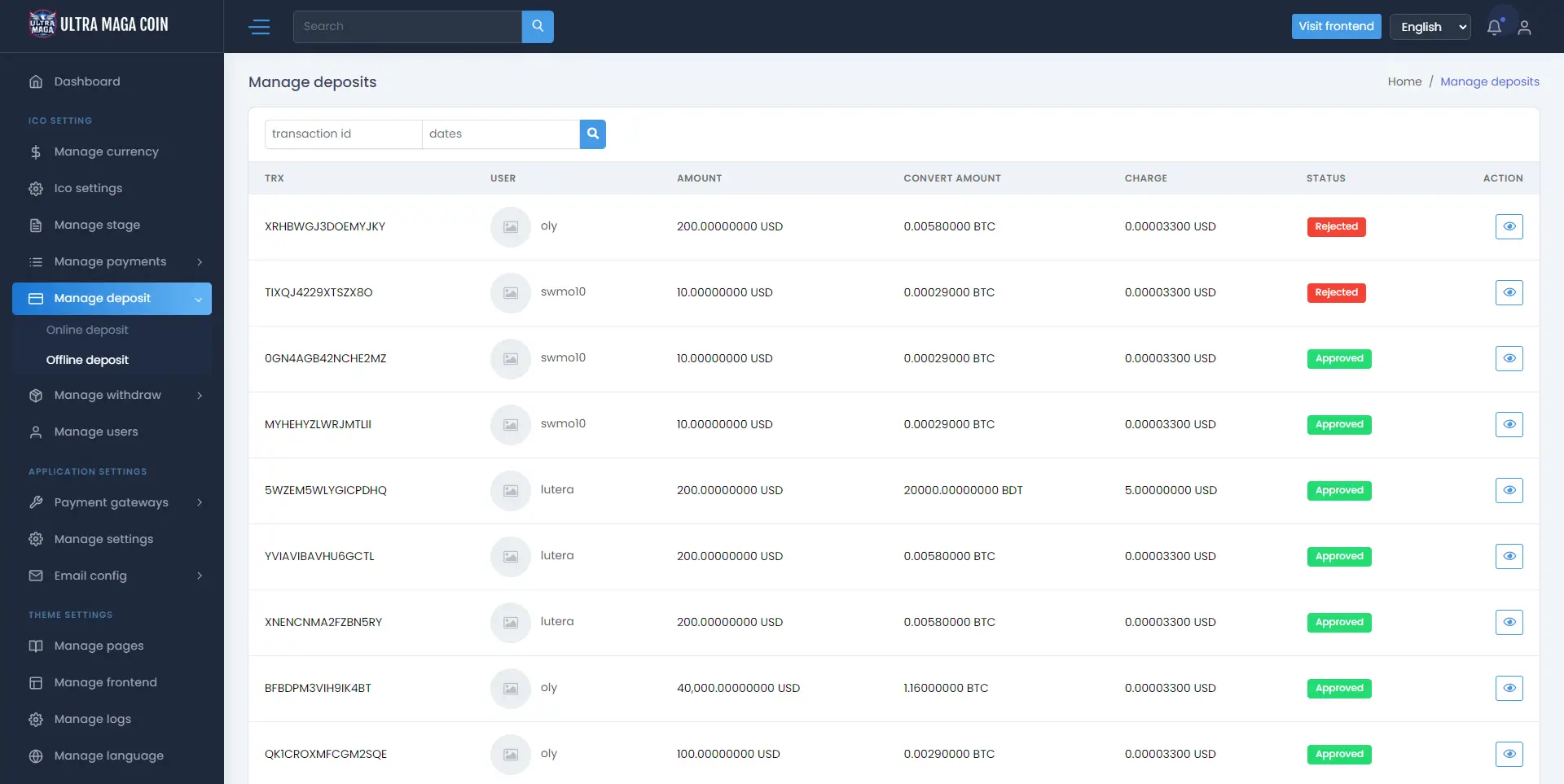
Deposit has two way , online & offline
Offline / Manual deposit – You can approve , see and reject payment deposit
Mange Withdraw
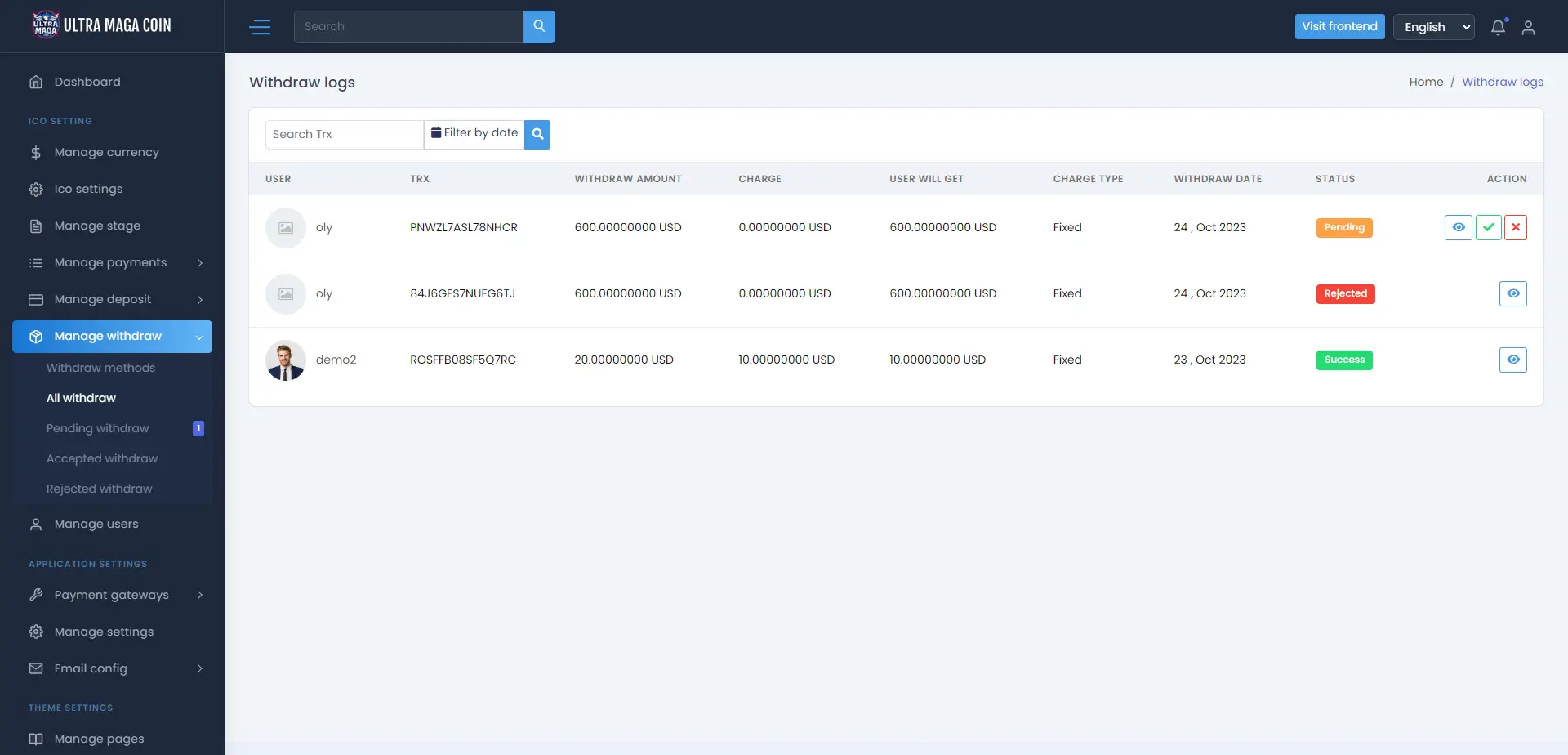
You can set withdraw gateway , charge , minimum /maximum amount , gateway name also you can approve / reject withdraw request.
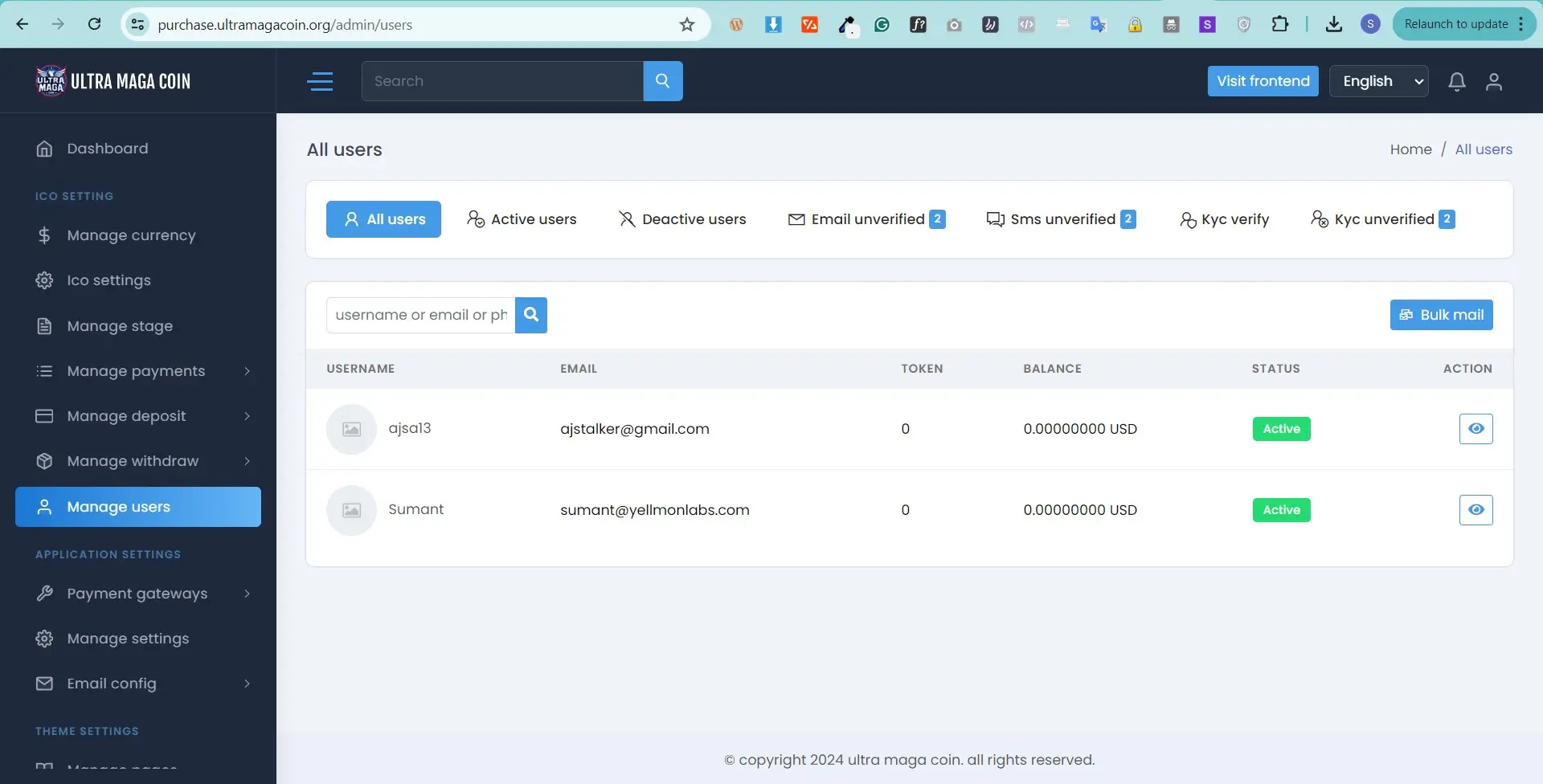
Mange User
You can manage customer/users. update their balance. you can trace their payment,
withdraw,
deposit,
referral
and moreover, you can login the user dashboard
Payment gateway
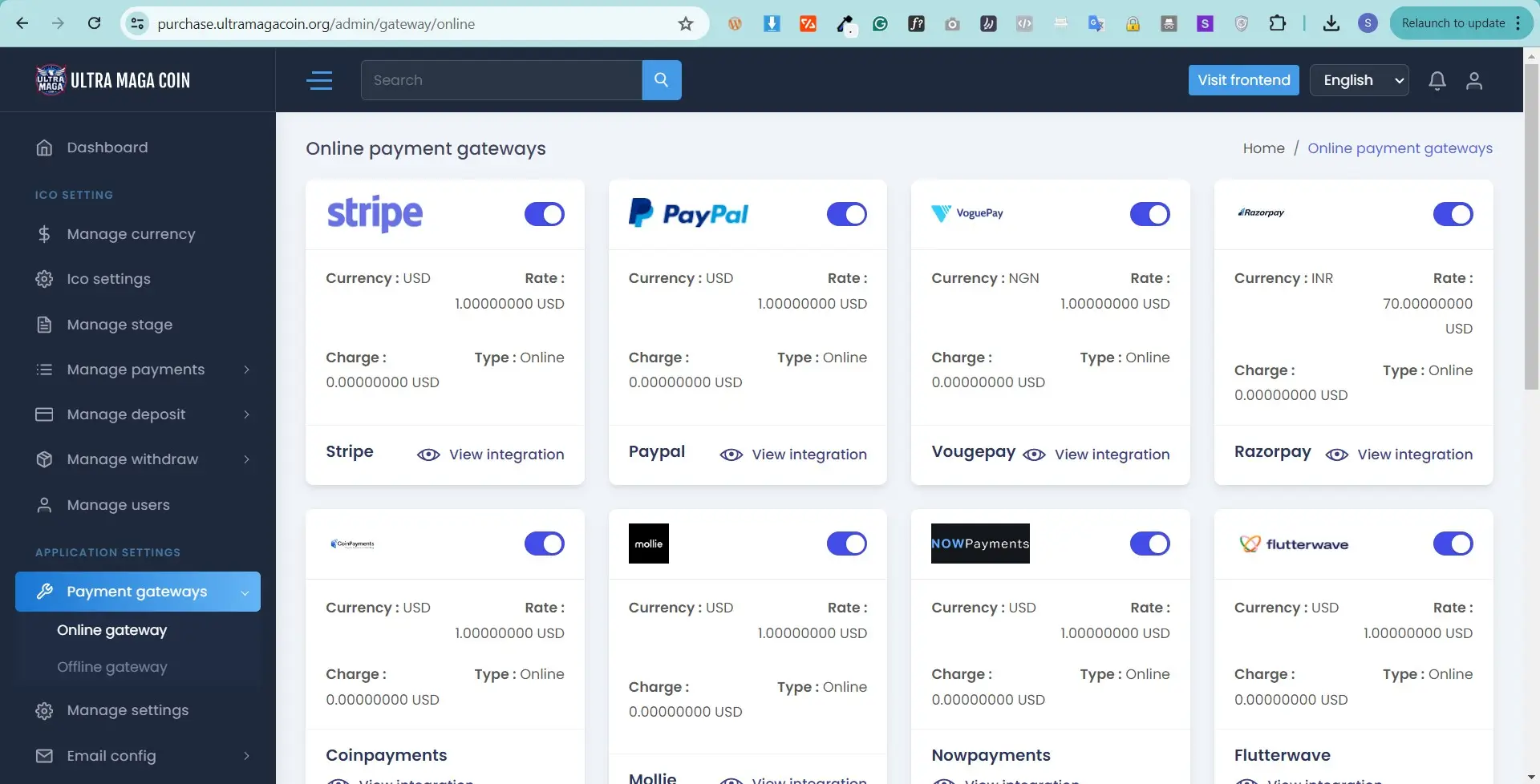
The payment gateway has two parts, one is online another is offline.
The online payment gateway has PayPal,
stripe,
Perfectmoney,
paystack,
coinpayment and many more , you need to setup API credential
offline payment gateway: this has some unique features like, you can create manual gateway as you want.
Manage settings
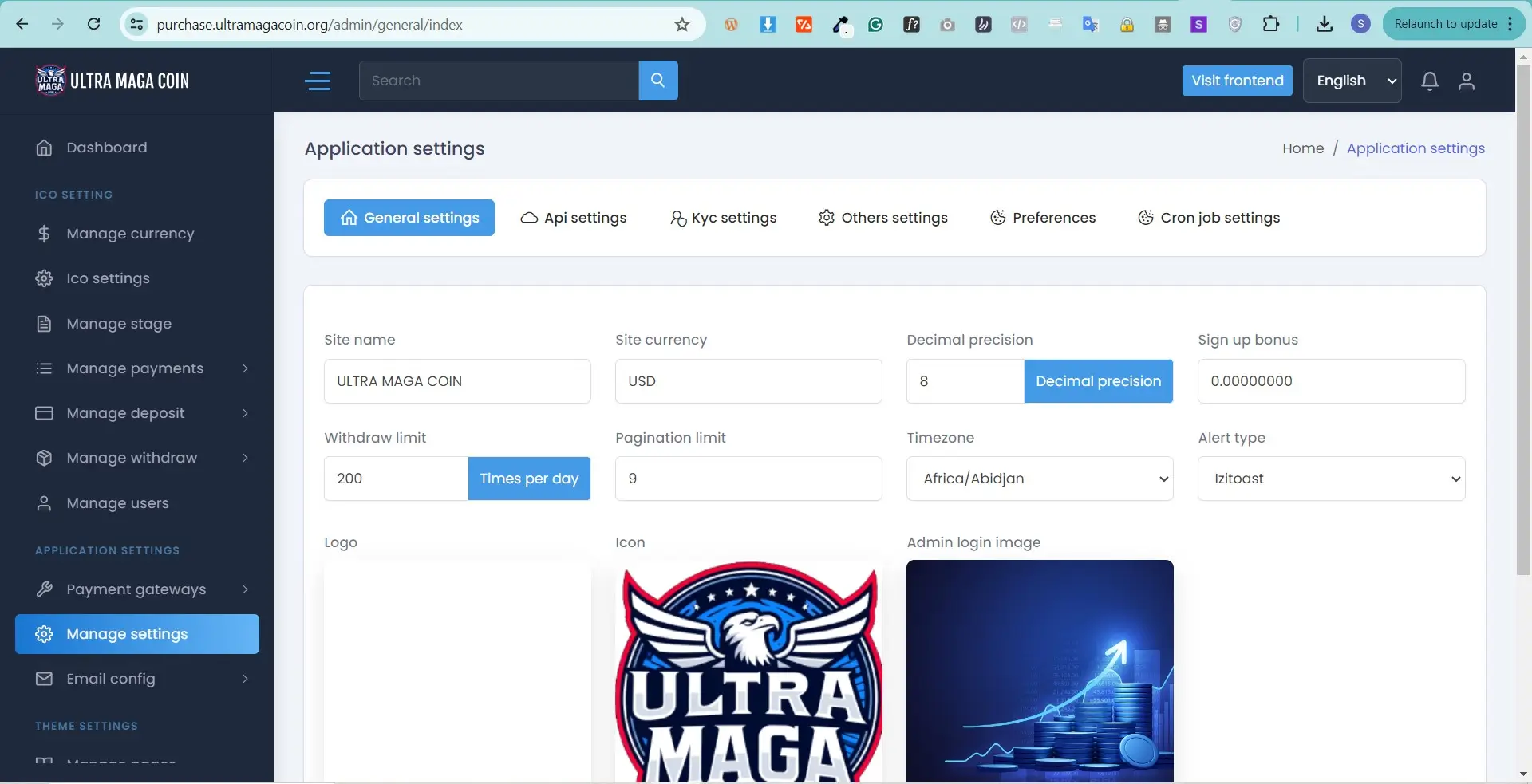
This web application all main settings you can find here like In general setting section you can manage your Site Name,
Site Currency,
Decimal precision
Sign up bonus
Copyright Text,
Pagination
Email Verification,
SMS Verification,
User Registration,
Logo,
Icon, Login Image,
Frontend Login Image,
Frontend Breadcrumbs Image,
Frontend Main Background Image and also manage General Settings,
Preloader Setting, Google Analytics, Cookie Consent,
Google Recaptcha,
Live Chat Setting,
Global SEO Manager,
Also KYC settings Cronjobs settings API settings
Email Config
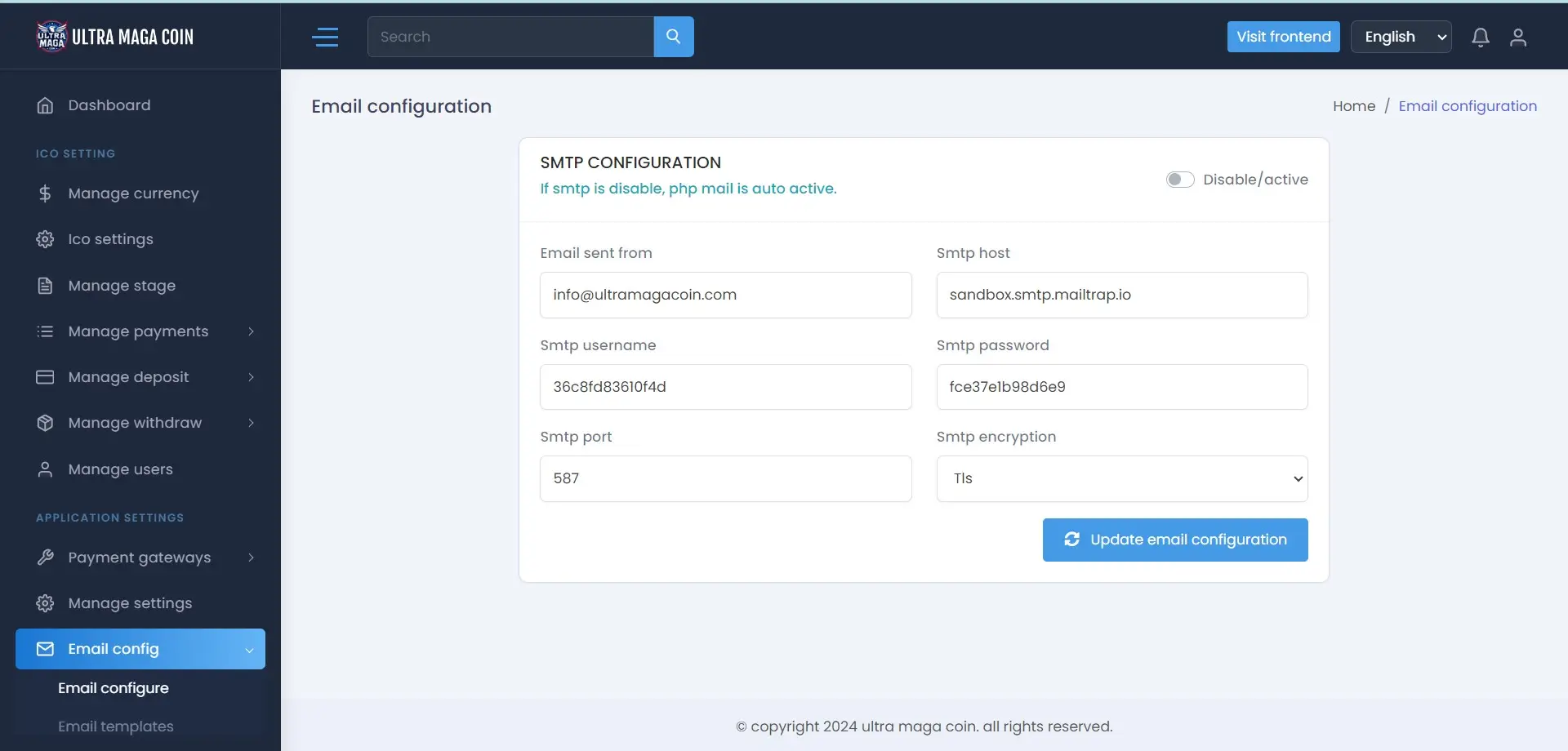
Set your hosting SMTP HOST accurately
Example Username: support@ultramagacoin.org
Password: Use the email account’s password.
Incoming Server: mail.example.org
IMAP Port: 993 POP3 Port: 995
Outgoing Server: mail.example.org
SMTP Port: 465
also you can set php mail easily. You would get to make email template how you want this is dynamic.
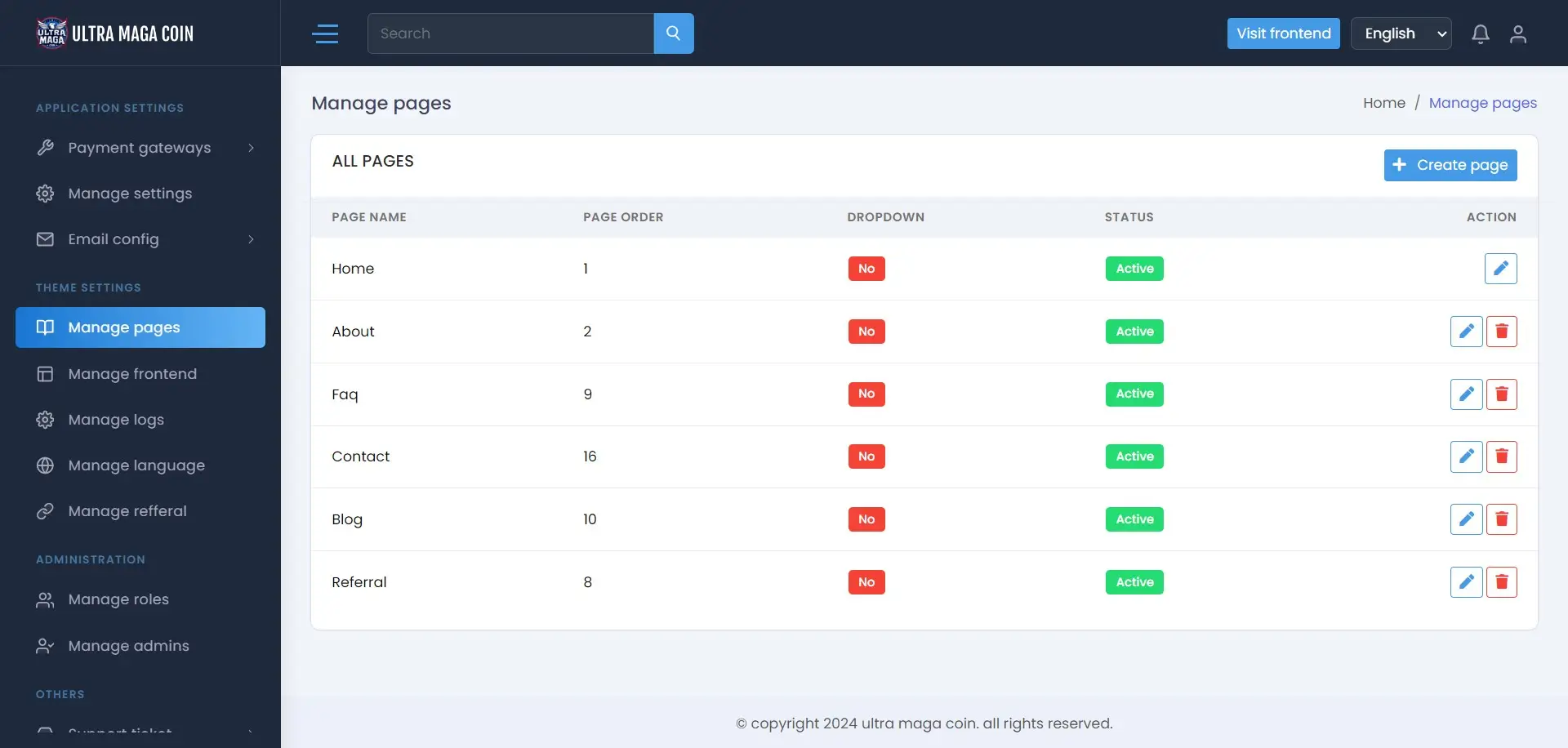
Manage Pages
You can create pages as you want , also we have dynamic section adding system .
Manage Frontend
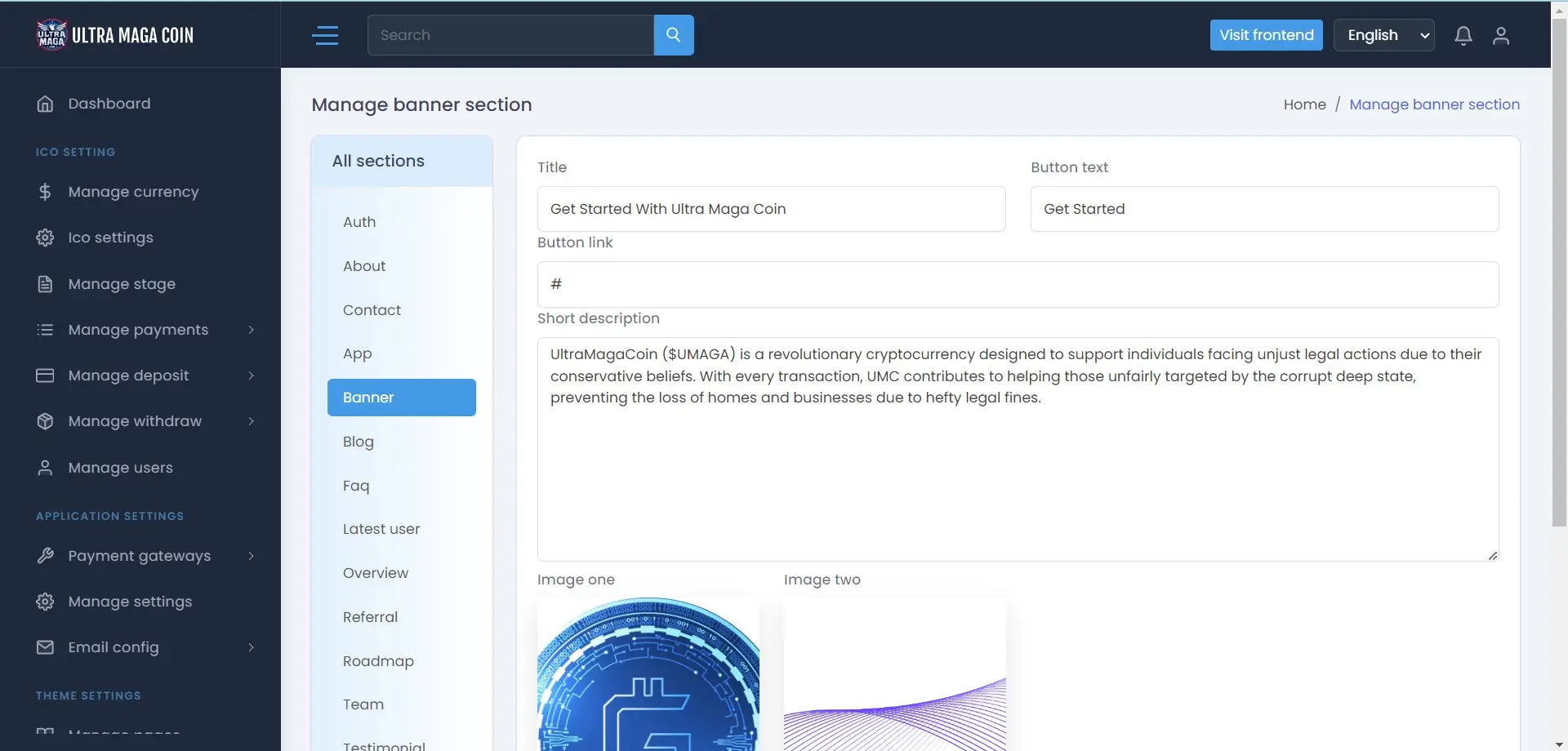
You can set manage all frontend content in here like Frontend Pages,
Banner Section,
About Section,
Faq Section,
Contact Section,
Footer Section,
How it works Section,
Newsletter Section,
Team Section,
Blog Section,
Testimonial Section Service Section,
Privacy Policy Section.
Manage Logs / Reports
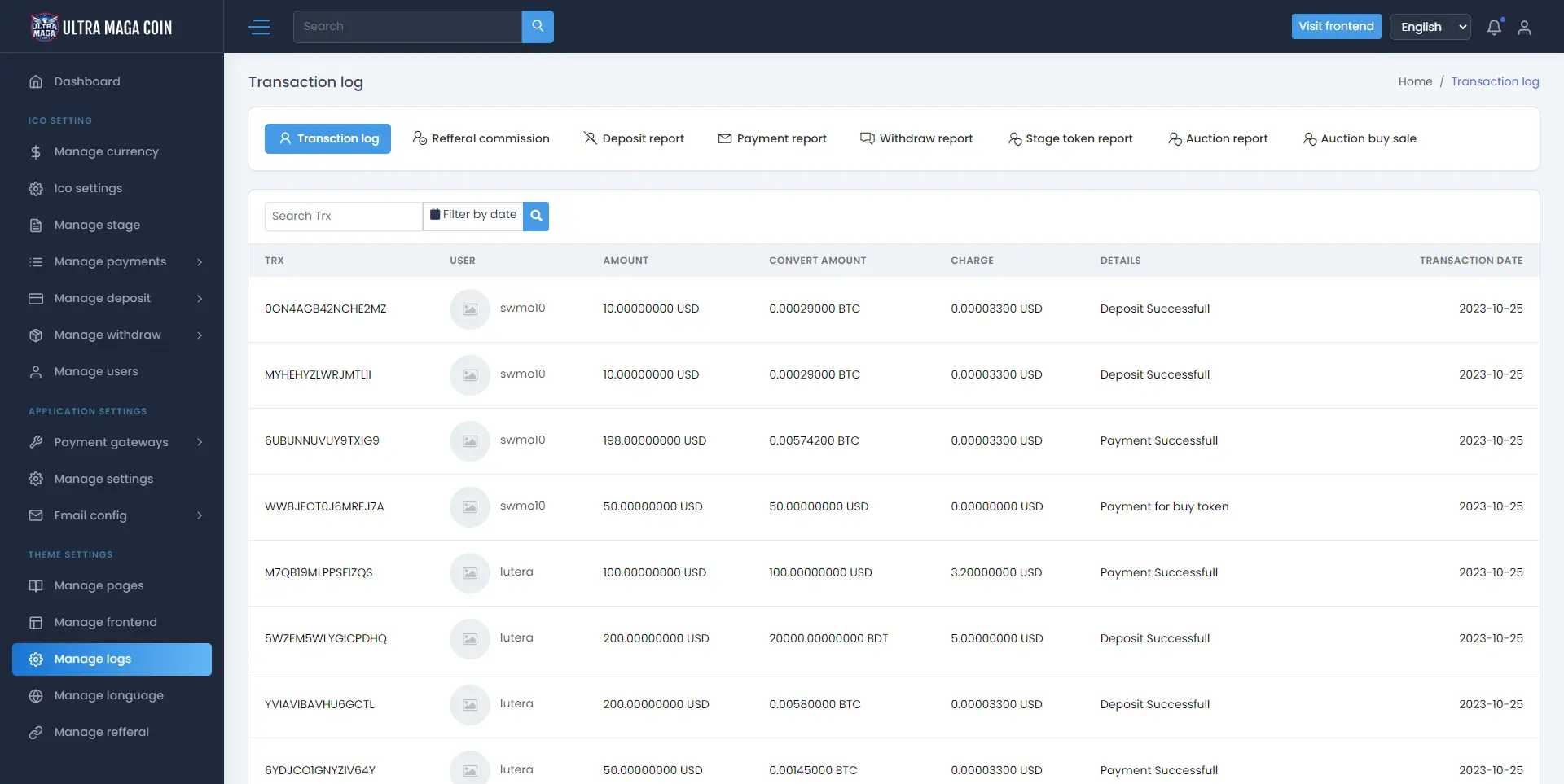
All kind of Logs and reports you can trace like Transaction logs
Auction Logs
Deposit logs
Withdraw logs
Stage logs
Manage languages
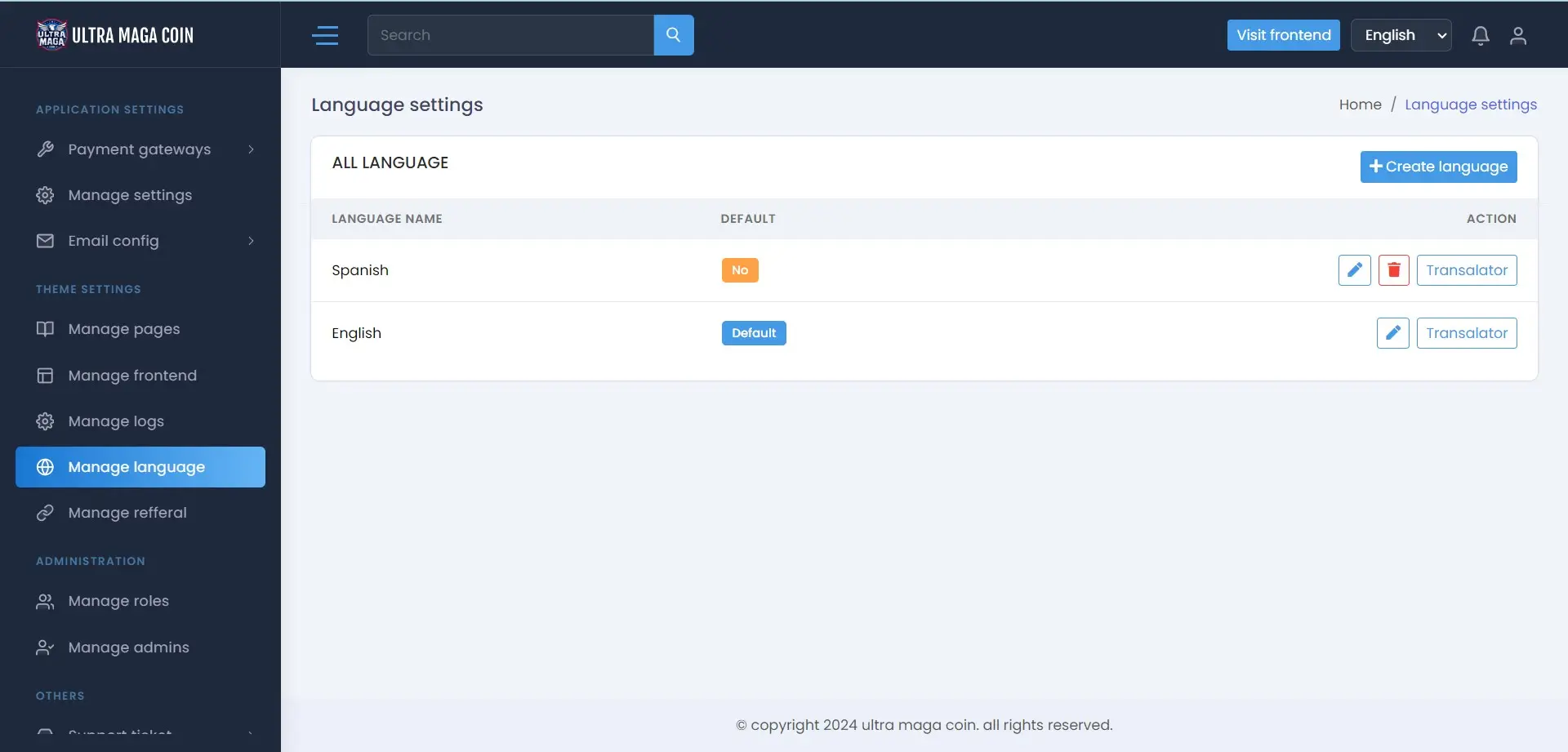
Here you can set your language setting. you can add any kind of language with accurate keyword , You will get general Content and another one Frontend Content . When set new lanaguage , then reload in home page so all home pages content will apear in language key , then you need to translate value according to this key.
Manage Referral
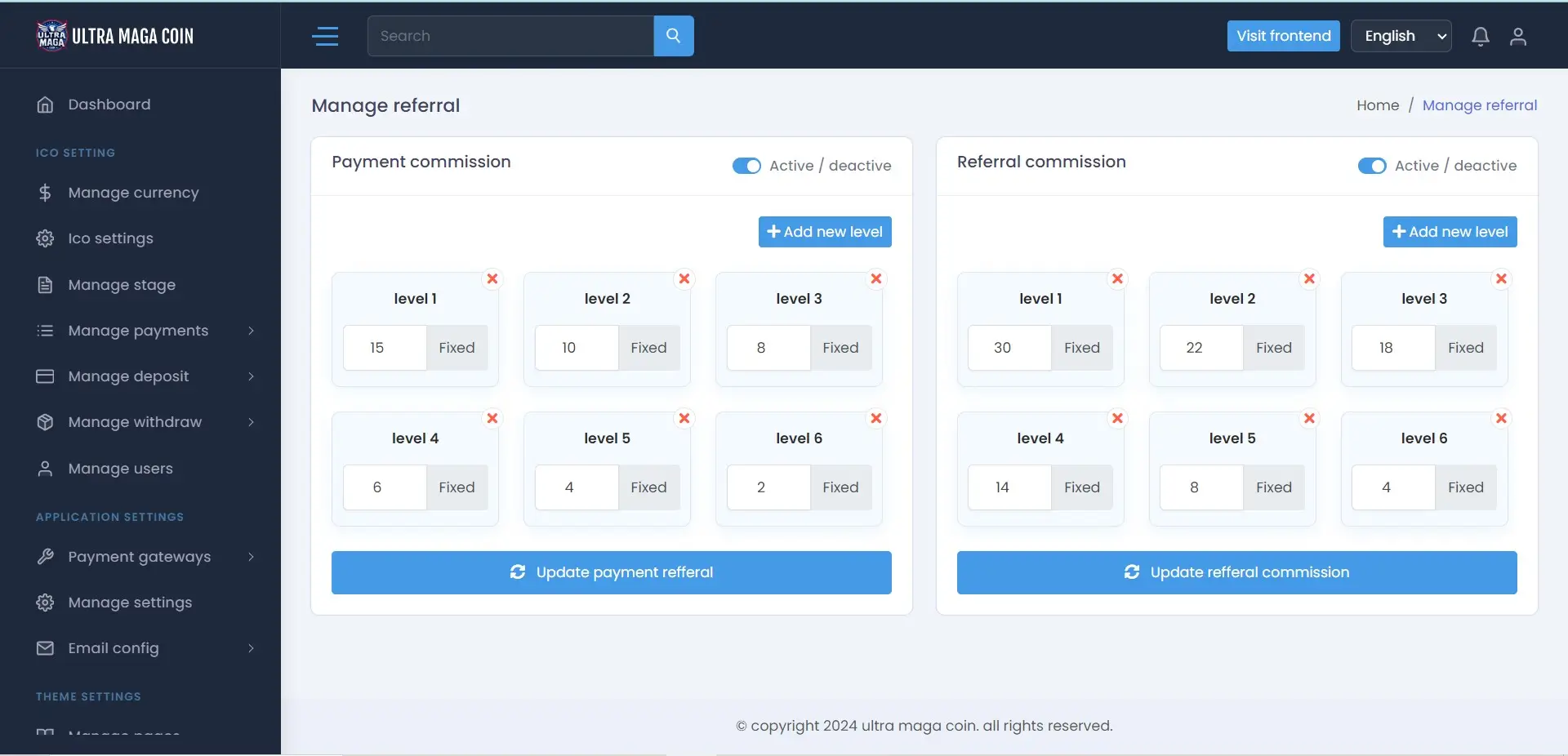
Here you can set refferal commission , Payment commission : here referral users when make payment then Level users get commission according to set amount Referral commission : here when a user register with another already registed users refferal link , then level users will gets comission.
User Dashboard
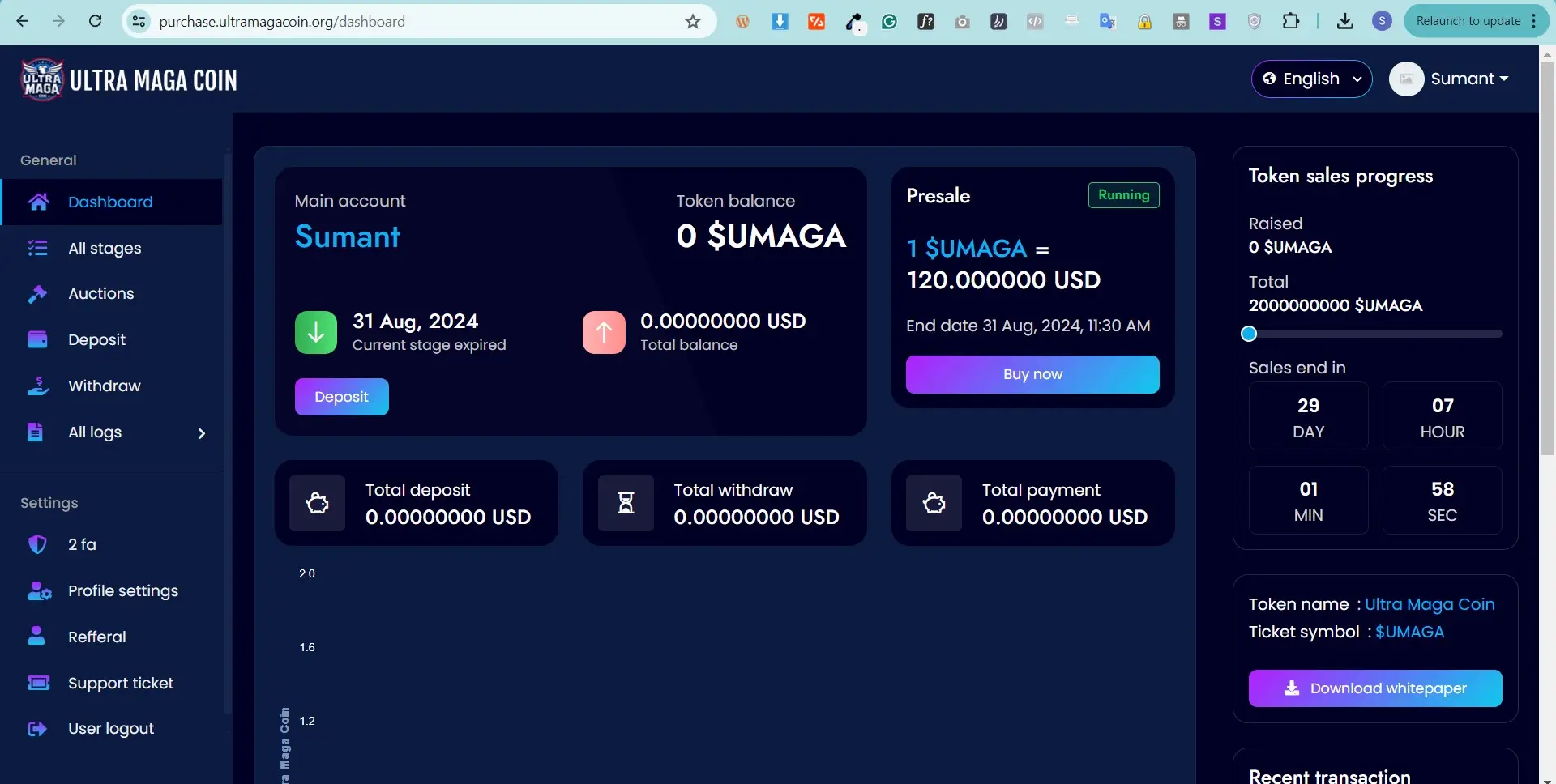
Dashboard Overview
This how the dashboard overview looks like. Users get the options to deposit or buy token here.
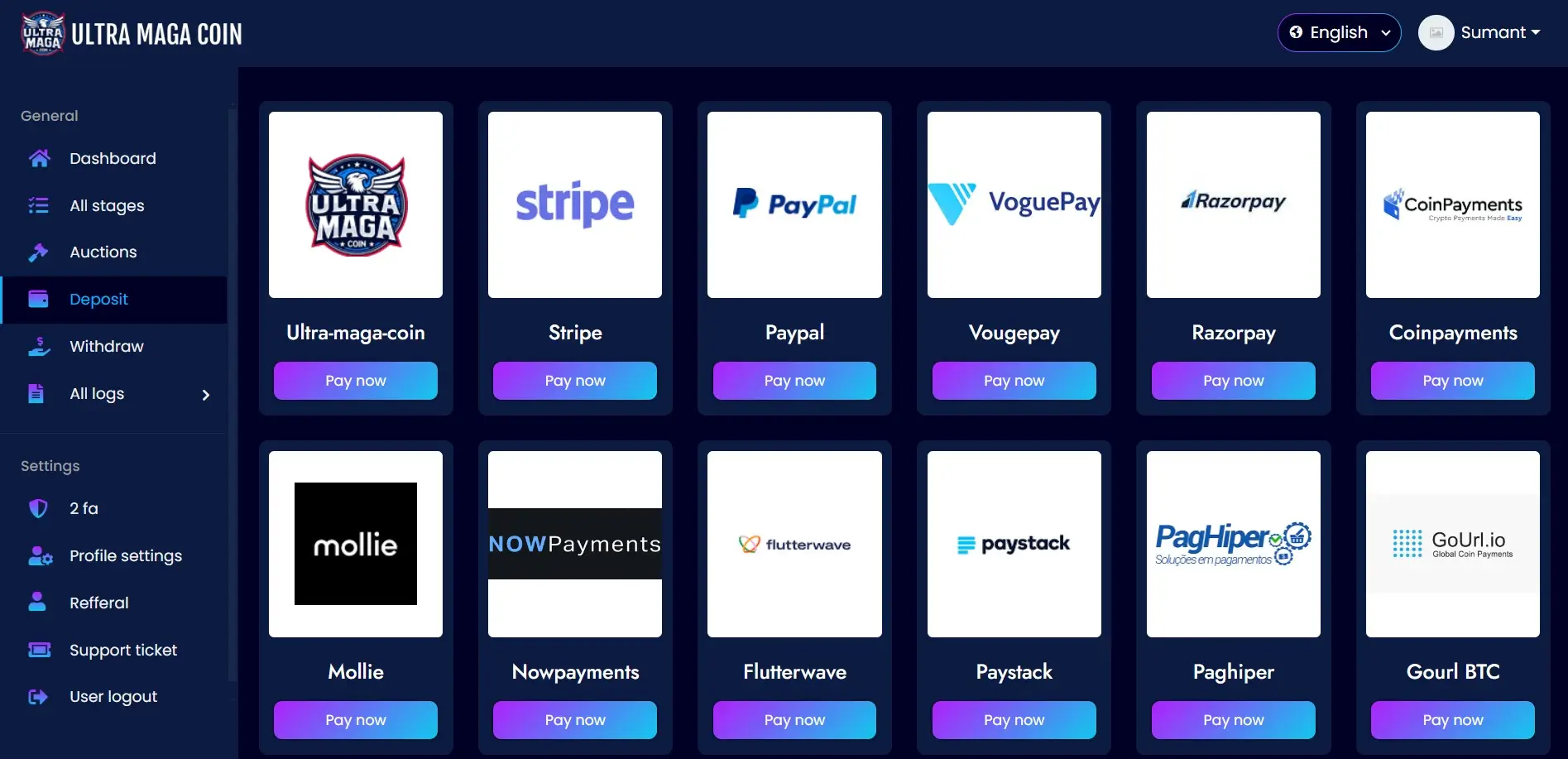
Deposit
Users will be able to see the enabled payment options to make the payment for their deposits.
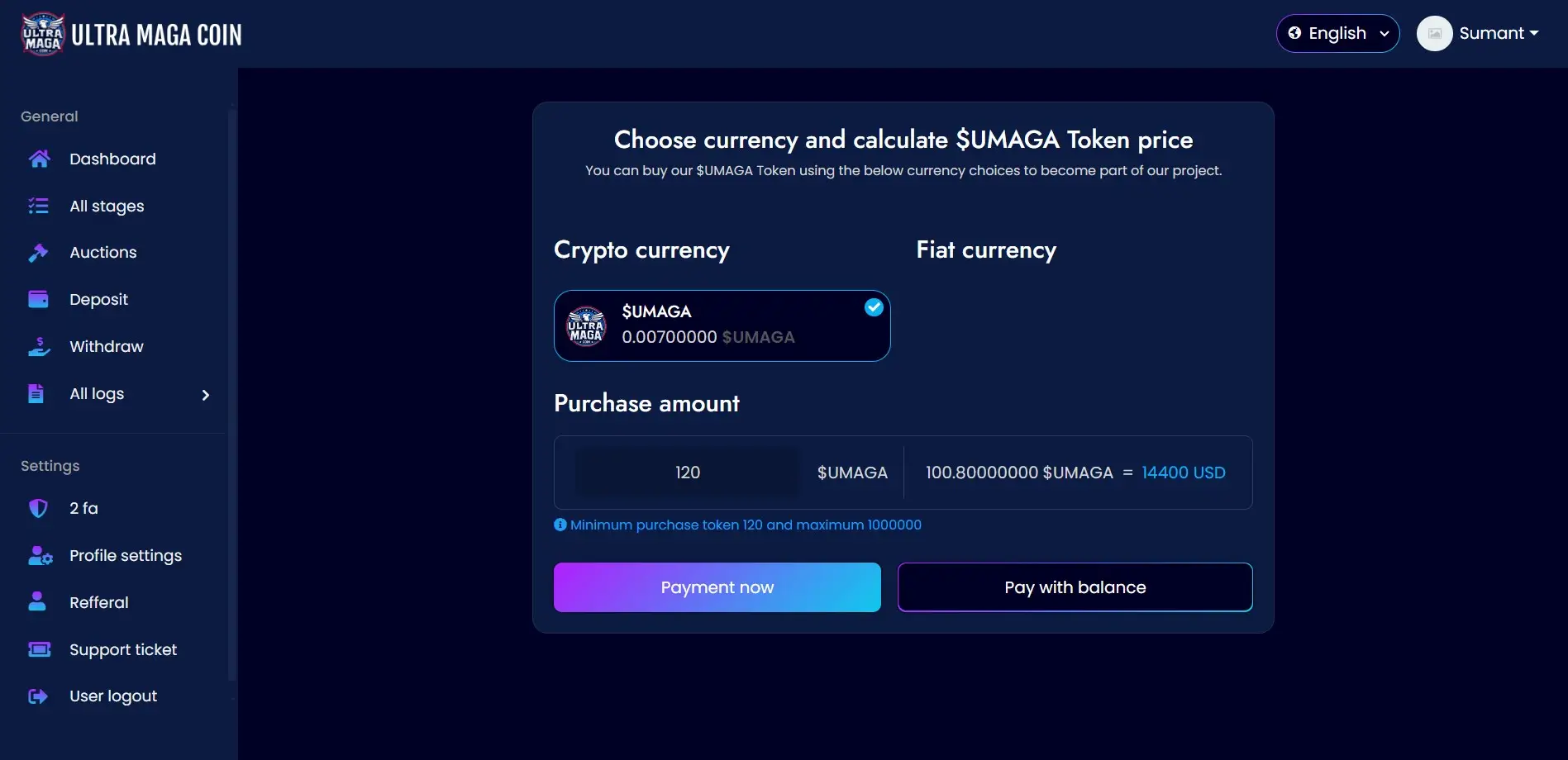
Buy Token
Users will be able to buy tokens from here with the enabled currency methods.